Improvements to Campaign Billing and Sending Logic
Overview
The billing model and sending rules for the Campaign feature in Relate have been updated.
1/ Billing Model Changed to Subscriber-Based
The billing structure for Relate’s email marketing feature, Campaign, is now based on the number of Subscribers.
A Subscriber refers to a contact that has received at least one email and is calculated as follows:
Subscribers = Contacts who received at least one email − (Unsubscribers + Bounced)
Unsubscriber: A contact who clicked the unsubscribe link in an email sent from the Workspace.
Bounced: A contact whose email could not be delivered due to an invalid address.
Unlike traditional email marketing services that charge based on the total number of registered contacts—including those with no engagement—this subscriber-based model ensures billing reflects actual usage.
The Campaign feature is available free of charge for up to 1,000 subscribers.
2/ Timing for Finalizing Campaign Recipients Updated
In email campaigns, recipient lists are selected to designate who receives the emails. The timing of when campaign recipients are finalized has been changed:
Before: Determined at the time of email sending
Now: Determined at the time of email scheduling
As a result, contacts added to a list after the campaign has been scheduled will not be included in the campaign. For example, if a campaign is scheduled at 3:00 PM for delivery at 3:10 PM to List A, any contacts added to List A at 3:05 PM will not receive the campaign.
3/ Automatic Suspension of Campaigns with High Bounce Rates
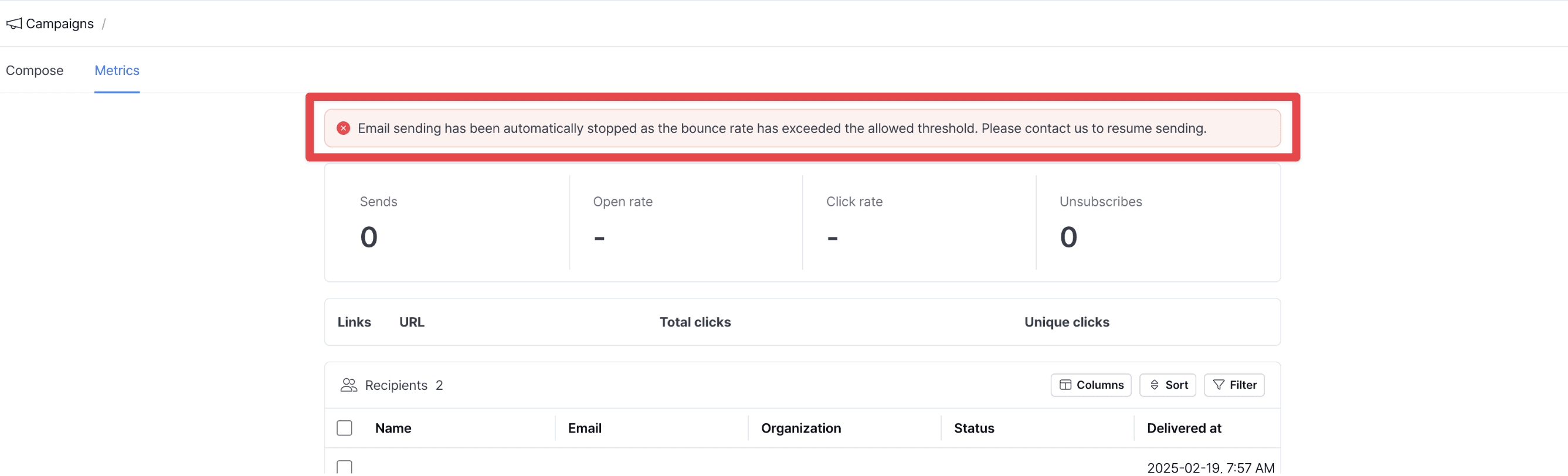
A Bounce occurs when an email cannot be delivered due to an invalid address. If the bounce rate exceeds the thresholds below, the campaign will be automatically stopped, and the status will change to stopped.
Fewer than 1,000 total sends: Stopped if there are 50 or more bounces
1,000 or more total sends: Stopped if bounce rate exceeds 5%

The reason for suspension will be displayed as a red warning message in the campaign’s Analytics view.
4/ Canceled Email Handling
Emails are automatically blocked from being sent to addresses that may harm the domain's sender reputation.
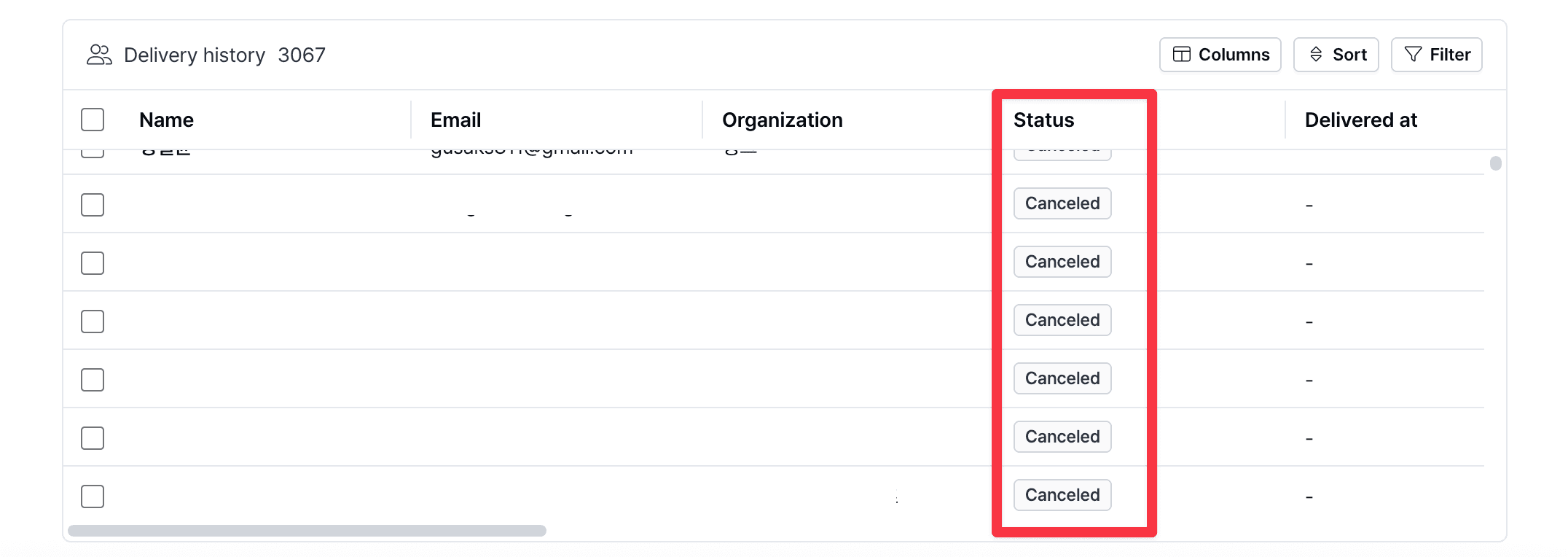
In such cases, the Status of the contact is marked as Canceled. Common reasons include:
Attempting to send to a contact with a history of unsubscribing
Attempting to send to a contact with a history of bounces
Attempting to send to a high-risk domain (e.g., non-existent or unresponsive)
Delivery failure due to system errors
Hovering over the Canceled status in Campaign > Analytics > Status provides additional information on the cancellation reason.