> ## Documentation Index
> Fetch the complete documentation index at: https://relate.so/docs/llms.txt
> Use this file to discover all available pages before exploring further.
# Getting Started with Relate
> Learn how to onboard to Relate
Welcome to Relate 👋
This guide walks through getting started with Relate after getting an invitation, downloading the Relate app.
## Sign up
To get started with Relate (early access), you must get an invite from Relate team. If you haven't received an invite yet, please reach out to the Relate team to get your invite.
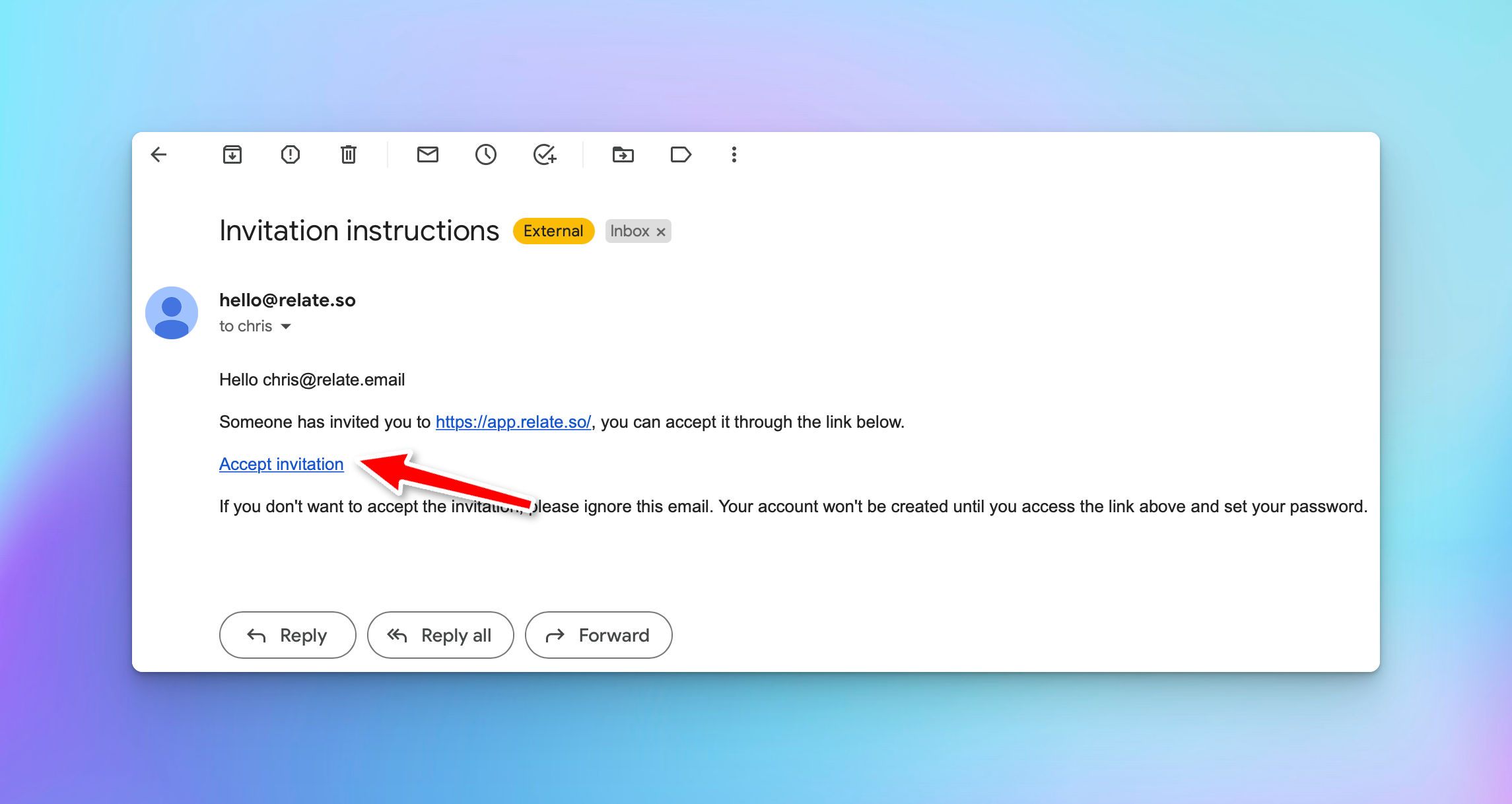 Once you receive the invite email from `hello@relate.so`, click `Accept Invite` to proceed.
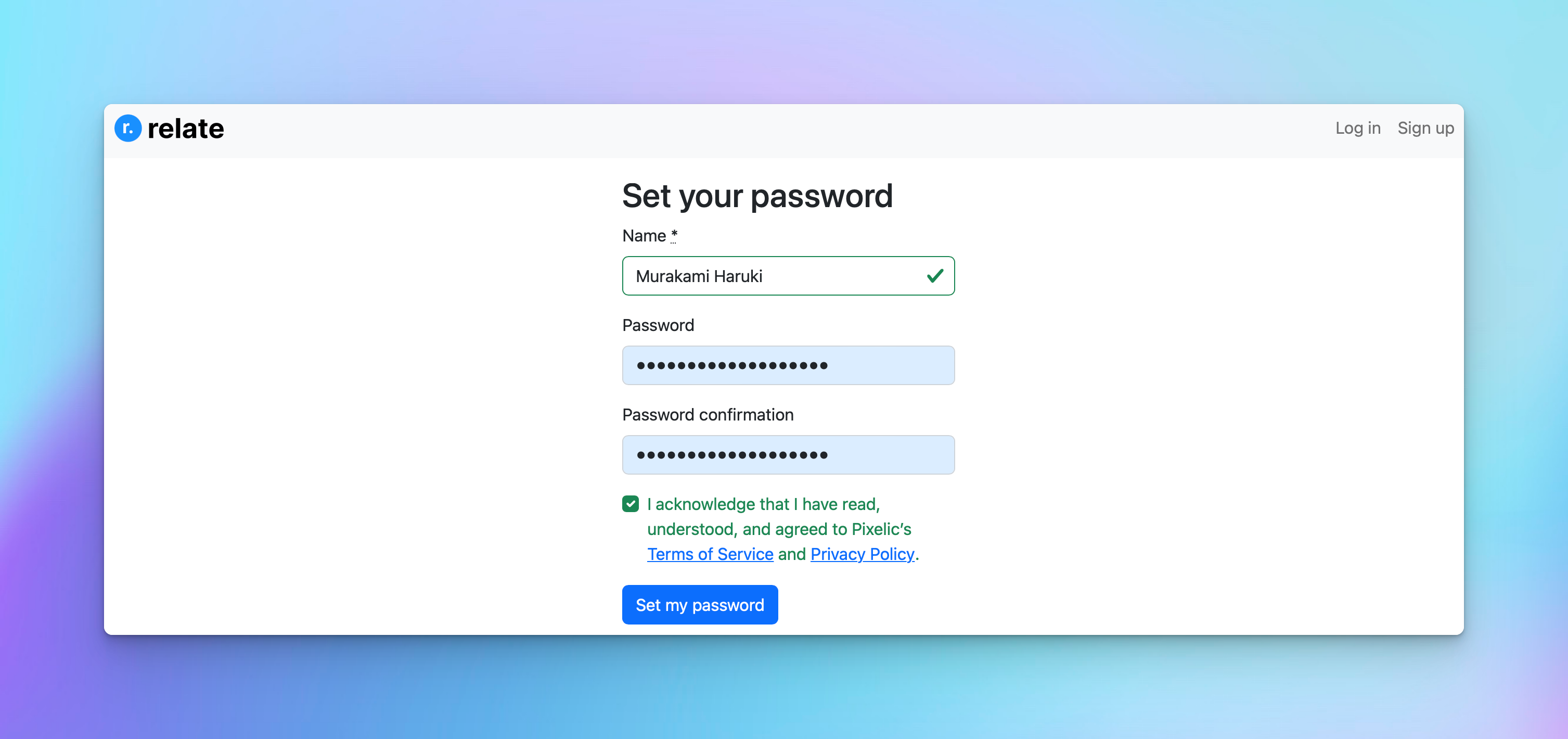
You'll be taken to a page where you can set up your password and accept Relate's Terms of Service and Privacy Policy.
Once you receive the invite email from `hello@relate.so`, click `Accept Invite` to proceed.
You'll be taken to a page where you can set up your password and accept Relate's Terms of Service and Privacy Policy.
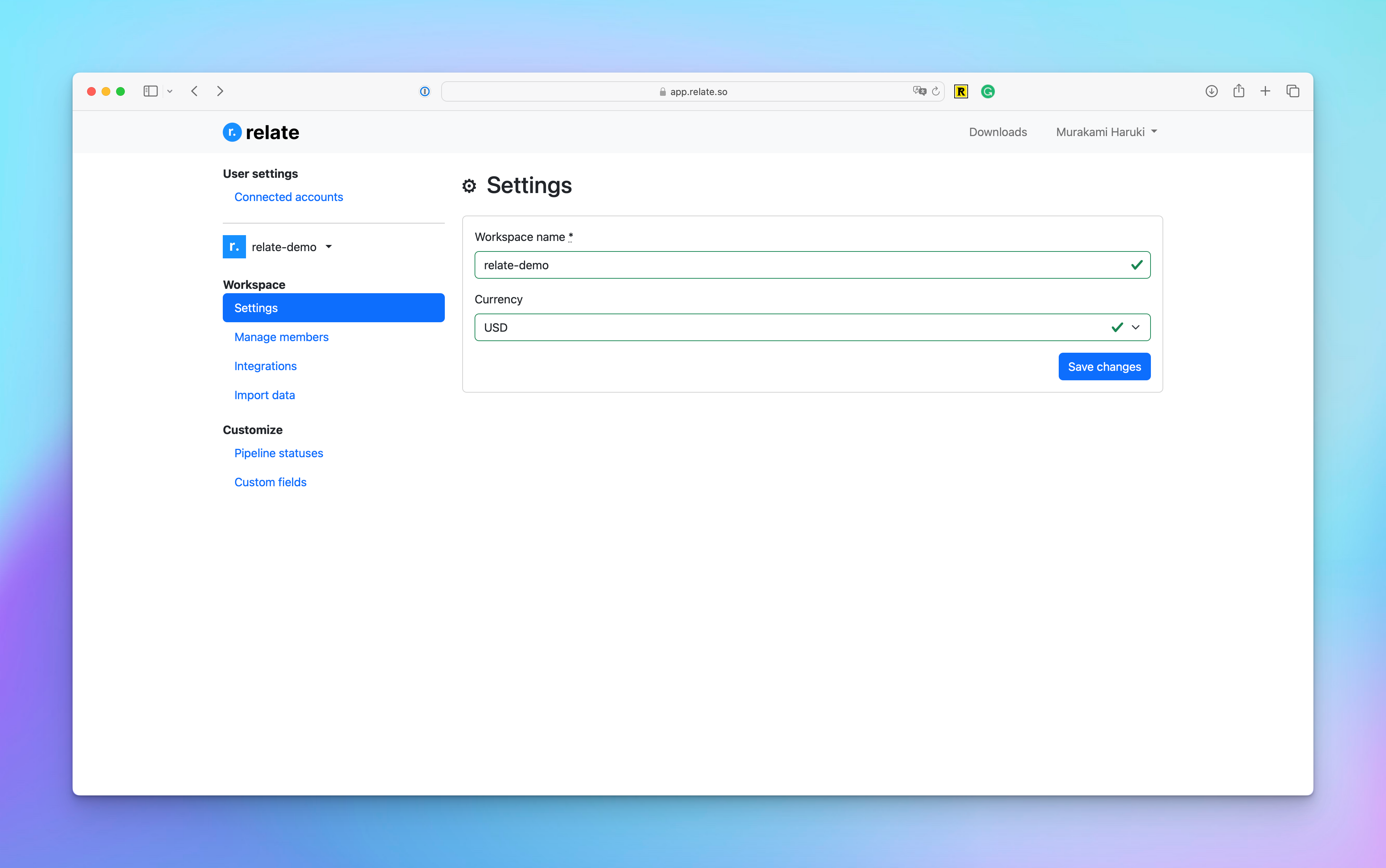
 If you see below screen, this means you've successfully signed up for Relate!
 ## Downloading and running Relate app
Relate currently provides macOS and Windows application.
### Download Relate
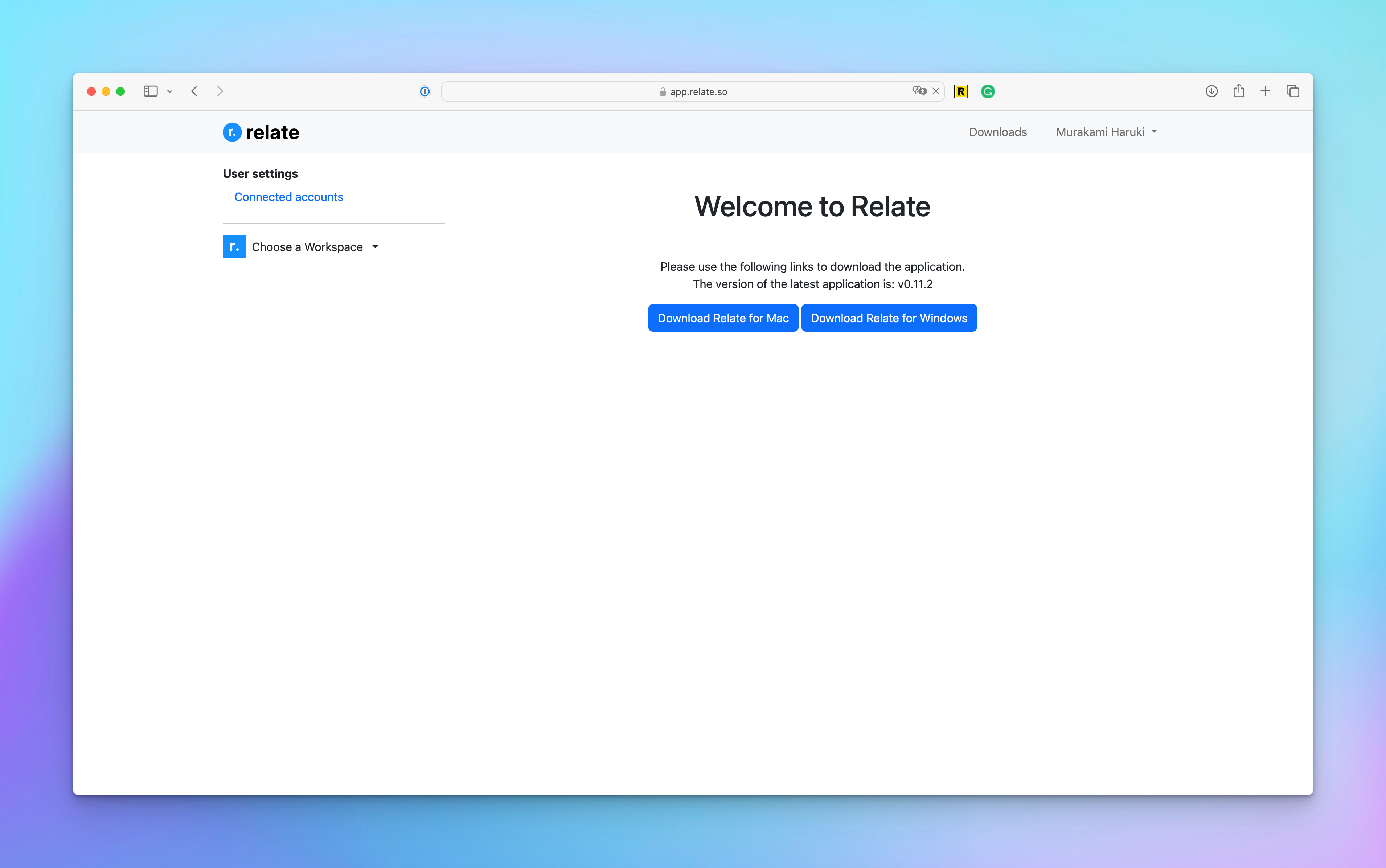
Go to [Relate downloads page](https://admin.relate.so/downloads/) and choose macOS or Windows version.
## Downloading and running Relate app
Relate currently provides macOS and Windows application.
### Download Relate
Go to [Relate downloads page](https://admin.relate.so/downloads/) and choose macOS or Windows version.
 ### Running Relate
Once the application install file downloads, run it to install Relate onto your desktop.
### Running Relate
Once the application install file downloads, run it to install Relate onto your desktop.
Windows users might see this warning screen when running Relate. This is because
we haven't notarized our app with Microsoft yet.
For now, you can click `More info` and `Run anyway` to bypass this warning sign and open Relate.
Once you successfully open Relate, you'll see a log in page. Use the email address and password you signed up with to log in.
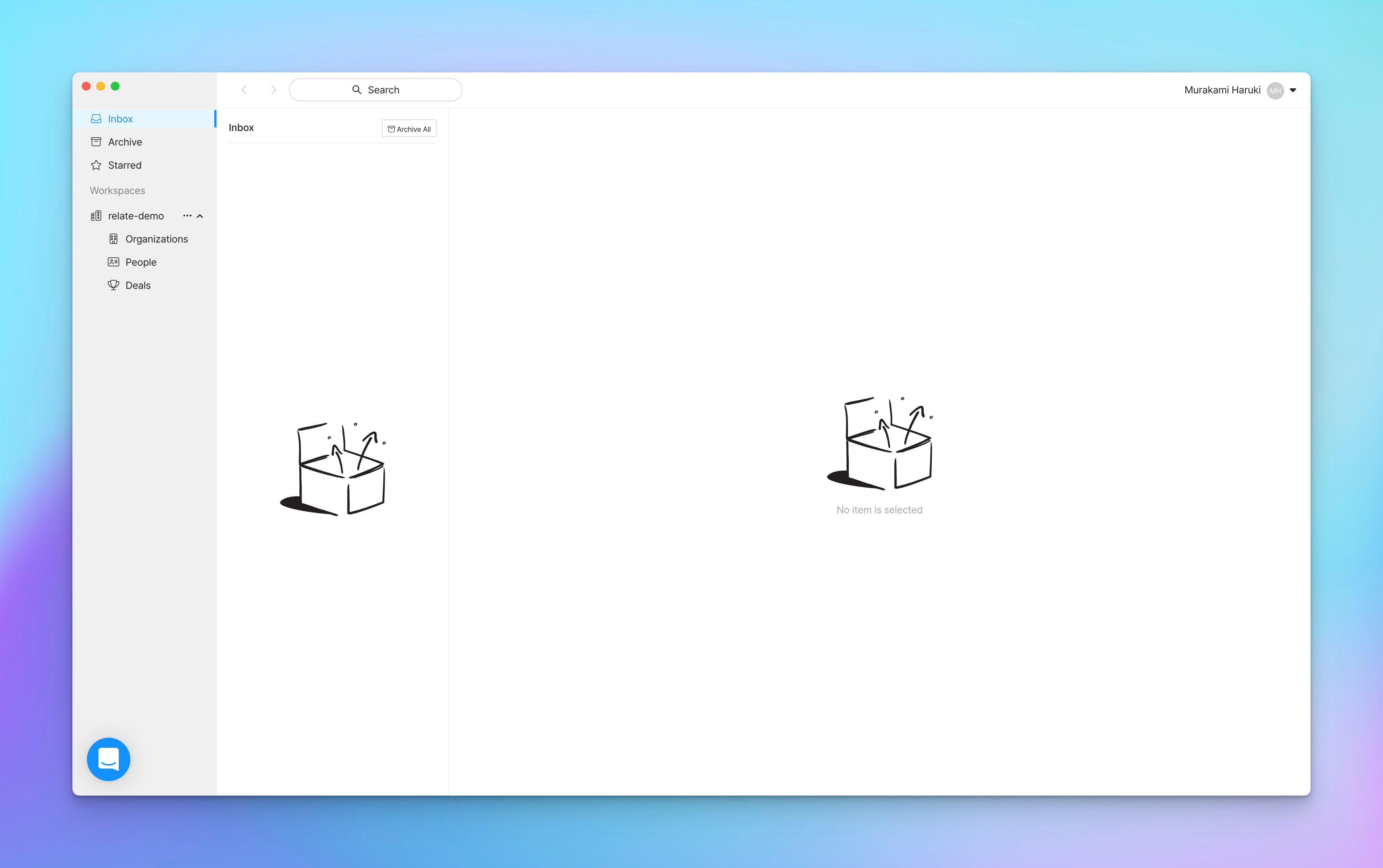 If you see above screen, that means you have successfully signed up and onboarded to Relate!
***
Last Updated: November 30th, 2022
If you see above screen, that means you have successfully signed up and onboarded to Relate!
***
Last Updated: November 30th, 2022