> ## Documentation Index
> Fetch the complete documentation index at: https://relate.so/docs/llms.txt
> Use this file to discover all available pages before exploring further.
# Notifications & Reminders
> You can receive emails from customers and send new emails to customers in Relate.
## Overview
Relate provides the following notification and reminder features:
* Notes
* Emails
* Tasks
## How it works
You can set reminders by clicking the `...` in the top right corner of notes, emails, and tasks. You can set reminders from anywhere where notes, emails, and tasks are displayed.
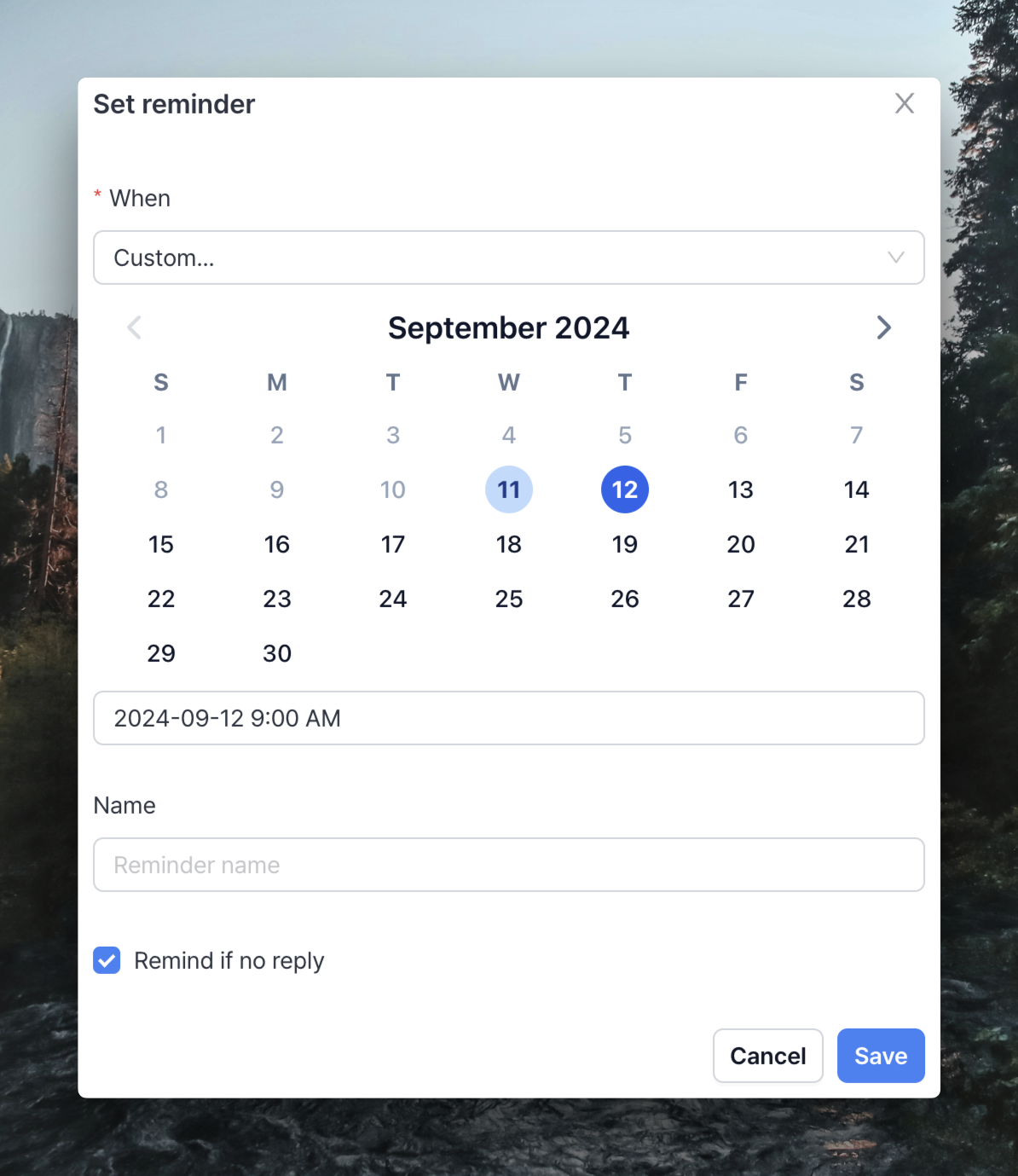
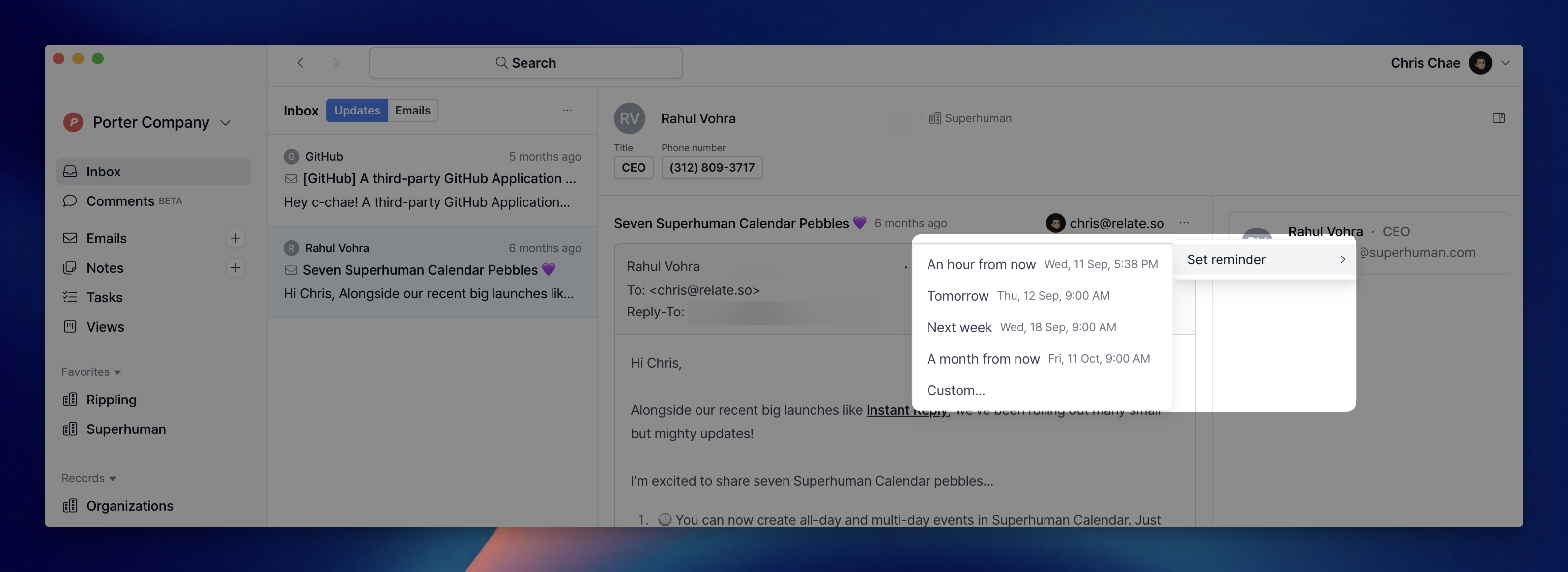 You can quickly set reminders for 1 hour later, tomorrow, next week, or one month later. If you need a specific reminder schedule, you can click `Custom...` to set it.
 ## Slack Notifications Setup
You can receive notifications for events occurring in Relate through Slack. For instructions on setting up Slack notifications, please check the [Slack Integration Guide](/docs/integrations/slack).
## Slack Notifications Setup
You can receive notifications for events occurring in Relate through Slack. For instructions on setting up Slack notifications, please check the [Slack Integration Guide](/docs/integrations/slack).